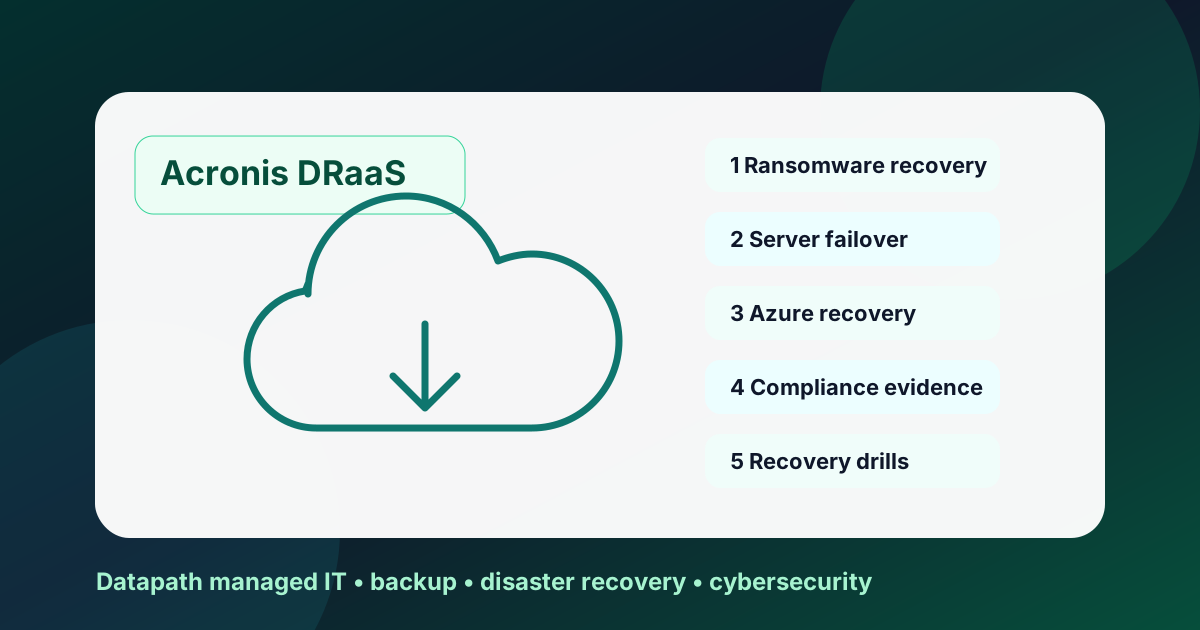

When should a business use an Acronis disaster recovery service?
An Acronis disaster recovery service is most useful when backups alone are not enough. Use it when leadership needs protected recovery points, documented failover steps, clean recovery after ransomware, Azure or Acronis Cloud recovery options, and repeatable evidence that critical systems can come back in the right order after an outage.1
For mid-market businesses, the buyer question is not whether Acronis can store copies. It is whether the recovery model will hold up when a server fails, ransomware encrypts systems, a branch loses access, or an auditor asks for proof. We recommend treating Acronis DRaaS as a managed operating model: classify workloads, set recovery expectations, test failover, document evidence, and assign owners before the emergency.
Here at Datapath, we usually see Acronis disaster recovery service conversations appear after one of three triggers: the business has outgrown file-level backup, cyber insurance asks for stronger recovery proof, or internal IT realizes that a green backup dashboard does not prove application recovery. The seven use cases below separate true disaster recovery from ordinary backup retention.
| Use case | What Acronis DR helps prove | Datapath service path |
|---|---|---|
| Ransomware recovery | A known-good recovery point can be selected, scanned, and restored without reinfection | Disaster recovery services |
| Server or site outage | Critical workloads can run from a recovery environment while the source is restored | Hybrid cloud disaster recovery services |
| Azure failover | Workloads can fail over to Microsoft Azure with planned networking and DNS | Cloud migration services |
| Compliance evidence | Restore tests, RTO/RPO results, approvals, and exceptions are documented | Cybersecurity compliance services |
Need Acronis disaster recovery service reviewed?
Datapath can map your workloads, recovery targets, backup coverage, and first recovery drill so leadership knows what can actually come back after an outage.
1. Ransomware recovery when backup alone is too thin
Ransomware recovery is the clearest use case for an Acronis disaster recovery service. A simple backup plan answers, “Do we have data?” A recovery service answers, “Can we restore clean systems, preserve evidence, and resume operations without rebuilding everything manually?” That second question is the one boards, insurers, and regulators actually care about.
Acronis describes its Disaster Recovery service as a way to recover from cyberattacks and unplanned outages by spinning up production environments, using one console for backup and DR, and supporting malware-free recovery workflows.1 That does not remove the need for incident command, identity cleanup, endpoint isolation, or legal review. It does give the technical recovery team a more repeatable path than pulling random restore points during a crisis.
In practice, we recommend validating these controls before trusting the service:
- Known-good restore point selection: confirm how the team decides which recovery point predates compromise.
- Malware and reinfection checks: validate scanning, EDR status, and network containment before reconnecting workloads.
- Identity reset sequence: make sure recovered systems do not immediately accept compromised credentials.
- Firewall and DNS recovery: confirm users can reach restored systems through the right access paths.
- Evidence capture: preserve restore logs, timestamps, approvals, screenshots, and exceptions.
This should connect directly to broader ransomware incident response planning and managed cybersecurity services. Recovery is weaker when the backup team, security team, network team, and executive decision-makers all work from different playbooks.
2. Server failure for small IT teams without a warm site
Acronis disaster recovery service also fits the unglamorous outage: a host fails, storage corrupts, a server room loses power, or a critical virtual machine cannot boot. These incidents do not always make the news, but they are exactly where mid-market teams discover whether their recovery plan is real.
The operational value is orchestration. Acronis documentation positions DRaaS as a way to fail over workloads to offsite recovery infrastructure, then fail back when the source environment is healthy.2 That matters because application recovery is rarely one server. It may require domain services, file shares, databases, line-of-business apps, DNS, VPN, certificates, and vendor dependencies to return in sequence.
Use this checklist when deciding whether a server belongs in DRaaS rather than ordinary backup:
- The workload supports revenue, patient care, school operations, payment processing, or leadership communication.
- Manual restore would take longer than the business can tolerate.
- The application has network or identity dependencies that must be rehearsed.
- Internal IT does not have spare infrastructure ready for a sudden cutover.
- Leadership needs a documented recovery time objective and recovery point objective.
Datapath’s backup and disaster recovery guide goes deeper on the difference between copies and usable recovery. The short version: a backup protects data; disaster recovery protects an operating capability.
3. Multi-site businesses that need one recovery model
Multi-site companies often have more recovery risk than they think. A headquarters outage, branch internet failure, misconfigured VPN, or regional power issue can interrupt users even when the central application is technically healthy. Acronis disaster recovery service can help standardize recovery expectations across offices, but only if the service is configured around the business map rather than the device list.
We recommend starting with a site-by-site impact matrix:
| Site or workload class | Recovery question | Evidence to collect |
|---|---|---|
| Headquarters systems | Which services must recover first for every location? | Dependency map, failover order, application test screenshots |
| Branch offices | Which local services can be bypassed, failed over, or temporarily centralized? | Network diagram, VPN test, user validation notes |
| Remote users | Can staff reach recovered systems without unsafe workarounds? | MFA test, access logs, help desk notes |
| Shared services | Do identity, DNS, file, print, and finance systems recover in the right order? | Runbook, timestamps, owner signoff |
This is where Datapath ties disaster recovery into managed IT services rather than treating recovery as a standalone backup product. If the same provider understands endpoints, identity, networking, security alerts, vendors, and recovery priorities, the failover drill has fewer handoff gaps.
4. Azure failover for teams standardizing on Microsoft cloud
Acronis highlights disaster recovery to Microsoft Azure as an option for organizations that want Azure’s cloud footprint orchestrated from the Acronis console, with cold and warm recovery tiers, failover from existing backups, incremental failback, and native networking that can use VNETs, firewalls, SD-WAN, IP ranges, and DNS.1 That is useful for Microsoft-centric teams, but the architecture still needs planning.
Azure failover should not be reduced to “we can spin it up in the cloud.” The real checklist is more precise:
- Workload fit: decide which servers merit Azure DR and which belong in ordinary backup.
- Network design: document VNETs, IP ranges, firewall paths, DNS, VPN, and user routes.
- Identity dependency: validate Entra ID, Active Directory, privileged accounts, and MFA behavior.
- Cost governance: define when compute runs, who authorizes test failovers, and how exceptions are reviewed.
- Failback: rehearse the return path so the recovery environment does not become an unplanned production island.
For teams already considering cloud modernization, pair this with Datapath’s cloud migration services and disaster recovery as a service guide. The migration plan and recovery plan should use the same dependency map.
5. Compliance evidence for finance, healthcare, education, and government
Regulated teams should not buy disaster recovery purely on technical features. They need evidence. NIST contingency planning guidance emphasizes policy, business impact, recovery strategies, plan development, testing, training, exercises, and maintenance as part of contingency planning for information systems.3 CISA and allied agencies also stress centralized logging, configuration visibility, and monitoring for network infrastructure because defenders need evidence during incidents.4
That means an Acronis disaster recovery service should produce more than a dashboard. It should create reviewable artifacts:
- workload inventory and recovery tiering
- RTO/RPO assumptions approved by leadership
- backup coverage and protected-copy evidence
- failover test plan and test results
- restore logs, screenshots, timestamps, and exception notes
- remediation register with owners and due dates
- executive summary written in business language
Healthcare teams can connect this to HIPAA-compliant IT services. Financial services firms can connect recovery evidence to financial services cybersecurity, GLBA, FFIEC expectations, and customer due diligence. K-12 districts and municipal teams should connect recovery evidence to ransomware response, continuity planning, and procurement accountability.
6. MSP onboarding when the old recovery story is unclear
The first 90 days of an MSP transition are a strong fit for an Acronis disaster recovery service assessment. New providers often inherit backup jobs that look successful but lack tested restores, documented owners, current credentials, clean retention logic, or application-order runbooks. That is not a software problem. It is an accountability problem.
During onboarding, we recommend asking seven blunt questions:
- Which systems are actually protected?
- Which systems are merely assumed to be protected?
- Who can approve a restore or failover?
- Which credentials are needed during an emergency?
- What is the last successful restore test by workload?
- What recovery evidence would leadership see after an incident?
- Which gaps must be remediated before the service can be trusted?
This use case pairs naturally with Datapath’s 30-60-90 day MSP onboarding plan and MSP vendor call questions. The buyer should not wait until after contract signature to ask how recovery will be verified.
7. Recurring recovery drills that keep the plan from drifting
Acronis disaster recovery service is not a set-and-forget control. The environment changes: new servers, retired applications, renamed groups, new vendors, different firewall rules, SaaS integrations, updated compliance obligations, and changed executive expectations. A plan that worked last quarter can become stale quietly.
A practical recurring drill should include:
- one technical restore or failover test for a representative critical workload
- one tabletop exercise for decision-making, communications, and approval flow
- one evidence review that verifies logs, screenshots, reports, and exceptions are understandable
- one remediation meeting that assigns owners and retest dates
- one leadership summary that states what can recover, what cannot, and what changed
That cadence is also useful for cyber insurance and vendor-risk questionnaires. A company that can show dated recovery evidence looks different from a company that can only say, “our backup tool is configured.” If your team needs a more formal evaluation, Datapath’s disaster recovery testing checklist is the operational next step.
Why Datapath for Acronis disaster recovery service planning
Datapath helps regulated and mid-market teams turn Acronis disaster recovery service interest into a usable recovery model: workload inventory, recovery targets, runbooks, failover testing, security handoffs, and evidence reporting. We do not treat DRaaS as a magic button because real recovery depends on identity, network, endpoint, cloud, vendor, and communication dependencies working together.
If you are evaluating Acronis, compare the partner technology with Datapath’s Acronis backup and DR partner page, Microsoft 365 backup services, and resources hub. The right engagement should tell leadership what can recover today, what still needs remediation, and how often the plan will be tested.
CTA: If your backup dashboard is green but your recovery evidence is thin, talk with Datapath about an Acronis disaster recovery service assessment. We will help define the systems, owners, restore tests, and reporting that matter before an outage forces the issue.
Frequently Asked Questions
What is an Acronis disaster recovery service?
An Acronis disaster recovery service uses Acronis disaster recovery capabilities, backup data, and recovery infrastructure to restore business workloads after ransomware, hardware failure, site outage, or another disruption. The managed-service value comes from planning, testing, documentation, and response ownership around the platform.
Is Acronis disaster recovery the same as normal backup?
No. Backup protects copies of data, while disaster recovery focuses on bringing usable systems and applications back online. Acronis DRaaS can support failover and failback workflows, but the business still needs recovery priorities, networking, identity checks, and documented testing.
Which workloads should go into Acronis DRaaS first?
Start with workloads tied to revenue, patient care, school operations, finance approvals, identity, file access, and customer service. If manual restore would take too long or require multiple dependencies to be rebuilt under pressure, the workload deserves DRaaS evaluation.
Does Acronis disaster recovery work with Microsoft Azure?
Acronis describes Microsoft Azure as a disaster recovery target with cold and warm recovery options, failover from existing backups, incremental failback, and native networking considerations. Teams should still validate VNETs, DNS, firewall rules, identity, user access, cost controls, and failback before relying on Azure recovery.
How often should an Acronis disaster recovery service be tested?
Test at least annually for lower-risk systems and more often for critical, regulated, or high-change environments. We usually recommend targeted quarterly restore or failover validation for the systems leadership cannot afford to lose, plus retesting after major infrastructure, identity, cloud, vendor, or backup changes.
What should buyers ask before choosing an Acronis disaster recovery provider?
Ask for workload scope, RTO/RPO assumptions, first-90-day cleanup steps, restore-test cadence, Azure or Acronis Cloud recovery design, ransomware recovery workflow, escalation authority, reporting samples, and evidence artifacts. The provider should prove how the recovery service operates, not only which license is included.